
Setup
Delivered pre-filled.
Your team never starts from a blank page.
Give us what you already have: documents, schedules, procedures. We hand back Tsuno ready to run. You validate, your team starts.

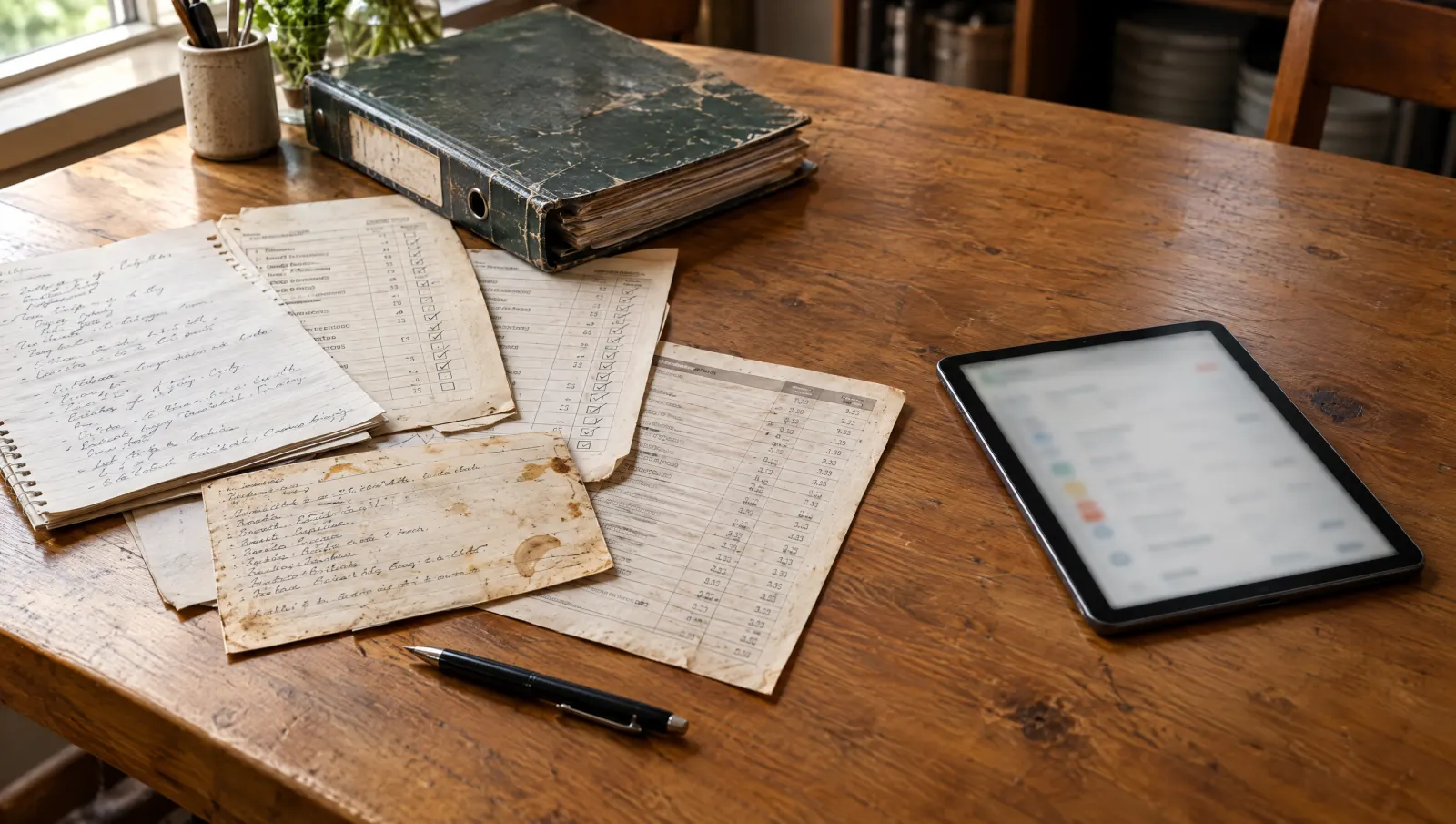
What you give us
As is, no reformatting.
You have already written a lot, in many places. We start there.
-
Documents
PDF and Word: procedures, onboarding guide, training material, org chart.
-
Spreadsheets
Excel and Google Sheets: schedules, trackers, price lists, checklists.
-
Photos
Paper recipes, handwritten checklists, kitchen postings.
-
Software exports
Whatever your current tools can export, even if imperfect.
-
Procedures
Opening, closing, receiving, cleaning, by station.
-
Spoken interview
The know-how nobody wrote down: you say it, we write it.
Import of existing documents (PDF, photos, spreadsheets) is available. Nothing enters without your validation.
The 10 steps
From your files to Tsuno in service.
Where a mistake would be costly, a person decides, with you.
-
01
We read your documents
-
Drop-off
You hand over your documents, in any order.
-
Sorting
Each document is filed: checklist, procedure, schedule, recipe.
-
Extraction
We pull out tasks, stations, hours, skills and steps.
-
Matching
Each item is matched to a station, a task or a restaurant.
-
-
02
You validate with us
-
Human validationA person decides
A person reviews with you and settles doubtful cases.
-
Import
Only what is validated goes in. The rest is set aside, with the reason.
-
Quality check
Gaps, contradictions, duplicates: flagged, never hidden.
-
-
03
We go live together
-
Field reviewA person decides
Your managers fix whatever does not match their reality.
-
Go-live
Your team opens Tsuno already filled, on the agreed date.
-
30-day reviewA person decides
A month later, we look at what is used and what to adjust.
-
Public trial
Ask your own restaurant your questions.
Not a generic demo: an environment built from three non-sensitive documents, so you can see whether Tsuno fits.
You send
Up to three documents: a recipe, a procedure, a checklist or an anonymized schedule.
We build
An isolated environment, filled with your words, stations and procedures. It is yours.
- Access limited to the people you name.
- A review meeting to ask your questions.
- Deletion on an agreed date.
- Never mixed with other clients.
Send no personal or sensitive data: no HR documents, no names, no contracts. Anonymize schedules.

Manager training
We train on your restaurant.
A short session, built from what was imported for their site.
-
On their data
Their checklists, their schedule, their procedures.
-
Everyday moves
Open a checklist, flag a problem, ask a question.
-
Less admin
Fewer reports and follow-ups. If a step takes too long, we simplify it.
Frequently asked questions
What happens one month after go-live?
We review with you, looking at the tool and never at the people. What is used: What your team actually opens: we keep it and consolidate it. What is not: We look for why before concluding: too long, misplaced, poorly fitted. What we adjust: We fix, simplify and add. You leave with a dated list of changes.
Does the trial replace the full setup?
No. The public trial is limited to three non-sensitive operational documents. The full setup comes after, once the scope is agreed with you: documents, spreadsheets, photos, exports and a spoken interview.
How do I anonymize a schedule?
Replace names with neutral labels, for example "Dining room 1" or "Kitchen 2". Do not send contracts, payslips or HR documents.
What happens to my trial environment?
It is isolated, open only to the people you name, and never mixed with other clients. It is not kept by default: it is deleted on the date we set together.
Can I keep my current tools?
Yes. You keep your tools in the meantime. The Integrations page explains how they coexist with Tsuno.
Can you train my team on site?
Yes, that is the full service: La Mise au Carré. It runs on site with your team, using your imported data.
Three documents are enough.
Send three non-sensitive operational documents. We build an isolated environment, then you question your own restaurant.
No personal or sensitive data for now: no HR documents, no names, no contracts. Anonymized schedules.